VMx One platform for complex case work
Every case,
fully accounted for.
VMx brings your people, your evidence and your case work into one connected record, from the first request to the exported report. AI reads the medical record and shows its sources. Your team decides.
Configured to your process. Maintained as one product.

Case workspace · Actual application · demonstration details
01Who it is for
For teams where one matter means many moving parts.
- 01
Medical-legal evaluation teams
Independent medical examination and record-review operations that receive referrals, assemble evidence and produce formal reports.
- 02
Case-driven service organizations
Teams whose work is a sequence of people, documents, deadlines and deliverables attached to one matter.
- 03
Operations leads and administrators
The people who decide who can see what, which forms are asked, and which language a report must contain.
02The problem
A request in an inbox. Intake on a spreadsheet. Records in a shared drive. Drafts in someone’s folder. Complex work does not break inside each tool. It breaks in the gaps between them.
Today
Inbox threadsIntake spreadsheetShared driveWord templatesPaper formsChat for status
With VMx
LeadPatient + ClientCaseAI reviewReport PDF
One case, linked to the people involved, with roles deciding who can work on it.
03The main value
Reads the record. Shows the page.
VMx analyzes digital and scanned PDFs attached to a case and produces material your staff can check, not conclusions they have to trust.
- A summary for each document: history, diagnoses, treatment, documented condition
- A dated chronology where every entry carries a verbatim quote and its source page
- A cross-document narrative, generated on request from the analyzed summaries
- Open the source PDF from the chronology and locate the quote, including on scanned pages
- Polish selected text in place while editing reports
Anatomy of a chronology entry · illustrative fields
Date When the documented event occurred
Category Diagnosis, Treatment, Procedure, Medication, Consultation, Imaging, Lab, Other
Description What happened, in plain language
Quote Short verbatim excerpt from the record
Source Document and page, opened for verification
AI output can be incomplete or wrong. VMx does not make clinical or legal determinations; staff review is part of the workflow.
04Solutions
Four jobs VMx does today.
Each shown in the actual application, with demonstration data.
A
Record review
Hundreds of pages of treatment notes, IME reports and imaging reports become per-document summaries and a dated chronology with verbatim quotes and page references, ready for staff to check.
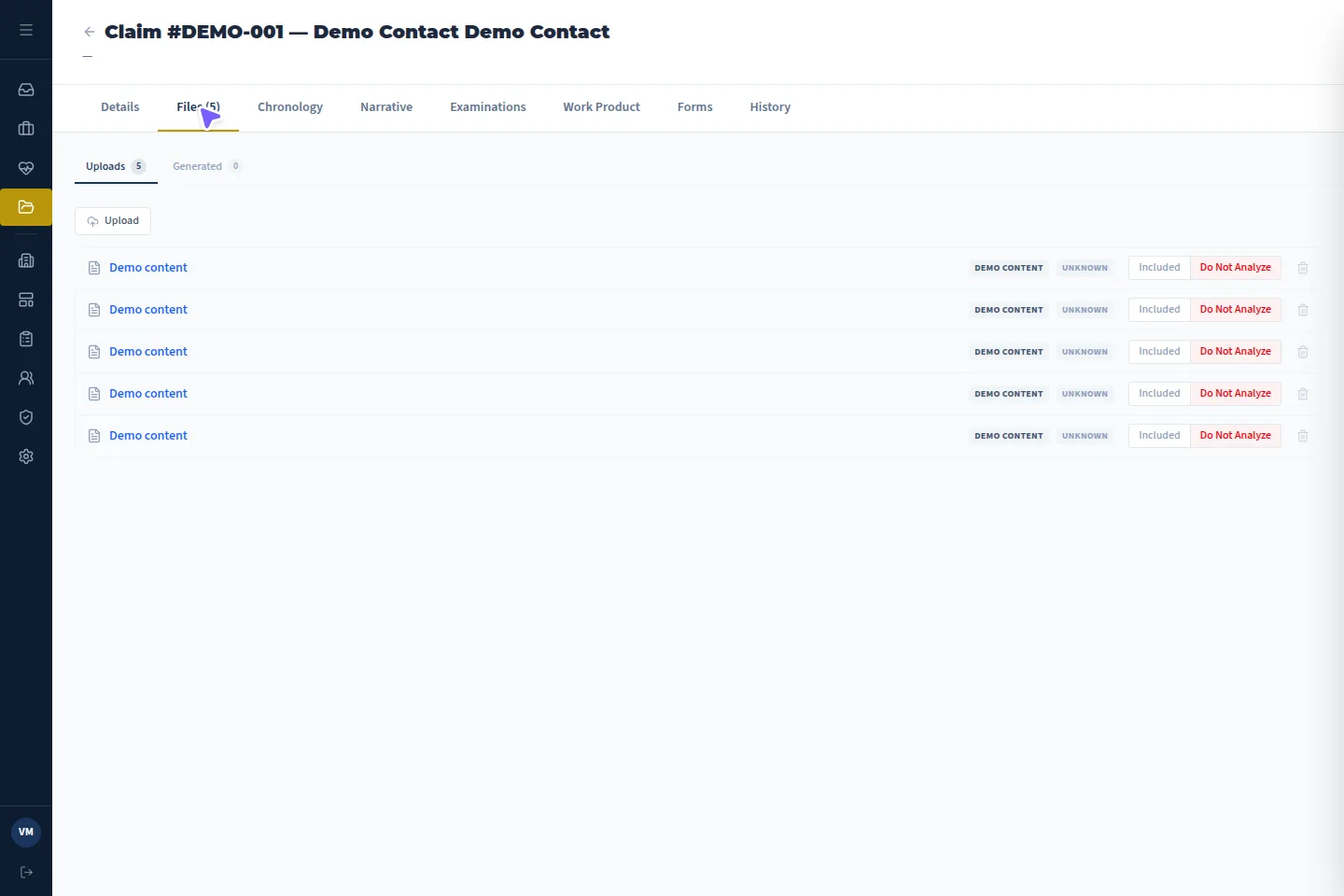
Case files · Actual application · demonstration details
B
Case operations
Every case carries its identifiers, dates, status and assignments, with the linked patient and client one click away. Nobody asks where a matter stands.
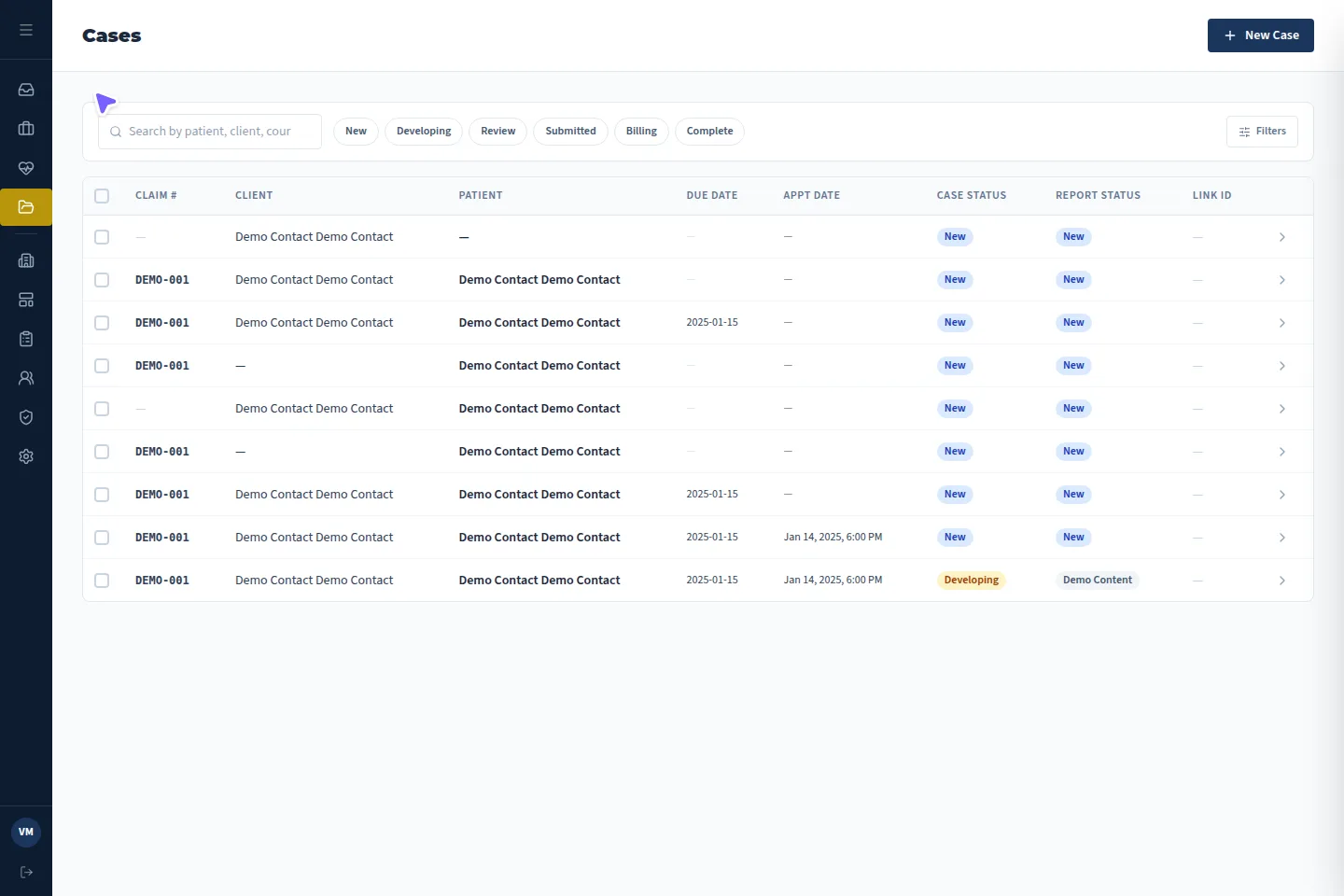
Cases directory · Actual application · demonstration details
C
Report production
Examinations and work product are written in the case from configured templates with merge fields and locked language, then exported to PDF.
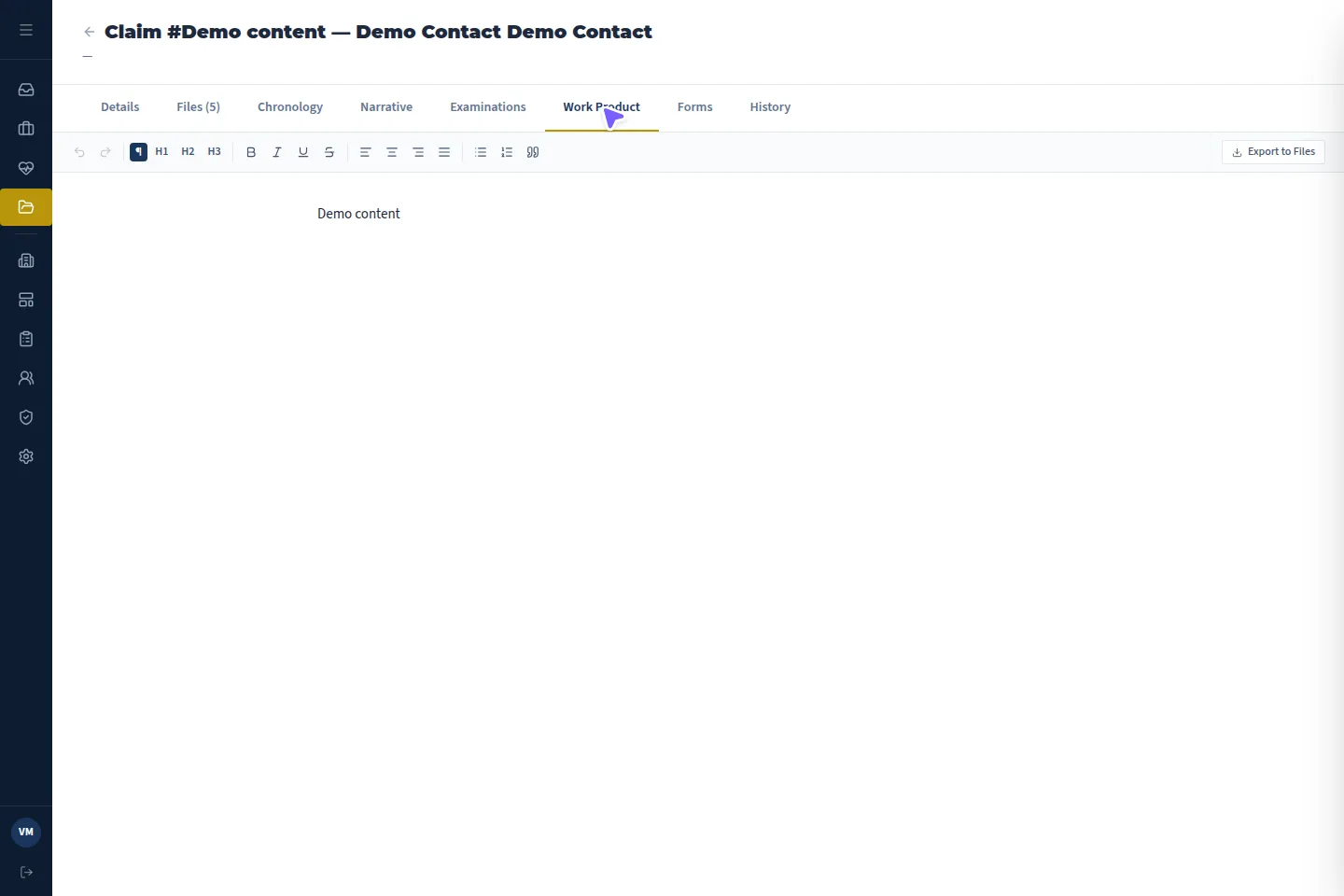
Work product editor · Actual application · demonstration details
D
Referral intake
Incoming requests land as leads. Accepting one creates the case and links it to existing patient and client records where they match.

Leads directory · Actual application · demonstration details
05Why VMx
Your process. Our platform.
Configured, not custom-built
One maintained SaaS product. Your case types, forms, templates and roles are configuration, so improvements reach you without a rebuild.
Evidence stays attached
Files, AI summaries, chronology, examination and work product live on the case they belong to, not in a shared drive.
AI that shows its sources
Chronology entries carry a quote and a page. Staff open the source PDF and verify before anything is relied on.
People make the decisions
VMx drafts and organizes. Clinical, legal and business judgment stays with your team.
06Questions
Straight answers.
Is VMx custom software built for us?
No. VMx is one SaaS platform. Your workspace is configured to your business: case types, forms, templates and roles.
How do Leads, Patients, Clients and Cases relate?
A lead is an incoming request. When staff accept it, VMx creates a case and links it to a patient (the person being evaluated) and a client (the requesting organization), reusing existing records where they match.
Which documents can the AI analyze?
PDFs attached to a case, digital or scanned: medical and treatment notes, specialist and IME reports, imaging reports, lab, procedure and medication records, and medical-legal correspondence. It does not interpret medical images.
Does the AI make decisions or write the final report?
No. It produces summaries, a chronology and, on request, a narrative drawn from the analyzed summaries. Staff review everything; reports are written from templates by your team. Output can contain errors and must be checked.
Is VMx only for medical-legal work?
Medical-legal depth is where VMx is most specific today. The platform is built for any team running complex client and case operations, and we will tell you honestly whether it fits.
What happens when I fill in the sign-up form?
Right now, nothing is sent. This site is a pre-release foundation: the form validates and shows you a review, but no account or CRM record is created.
See VMx shaped around your work.
Tell us about your organization. It takes about two minutes, and you review everything before anything happens.